COREMONIT · ENTERPRISE AI KNOWLEDGE SYSTEM
RAG WIKI LLM
Connect all your enterprise knowledge,
and find the right answer when you need it.
An enterprise knowledge RAG solution that connects scattered internal documents into one AI knowledge system, providing search, analysis, summarization, comparison, reasoning and standardized answers. LOCAL LLMKNOWLEDGE HUBPDFWORDHWPREPORTDOC
There is plenty of data, but not enough usable knowledge.
Competitiveness begins not with the number of documents, but with how quickly a company finds accurate evidence when it needs it.
Scattered materials
Documents are scattered across personal PCs, NAS, shared folders, groupware and email.
Search limitations
You need the exact filename or keywords to find the content you want.
Knowledge discontinuity
Experience and know-how are lost when staff move roles or new employees join.
RAG: Retrieval-Augmented Generation
Before generating an AI answer, first retrieve internal company documents, then generate the answer based on verified evidence.
 QuestionNatural-language input02
 SearchFind related documents03
 AnalysisUnderstand context and intent04
 ReasoningCompare and organize materials05
 AnswerEvidence-based generation
- Centered on training data
- Difficult to verify current and internal company information
- Hallucinations possible when evidence is insufficient
- Users must recheck sources themselves
- Centered on internally approved materials
- Reflect current manuals, regulations and projects
- Answer based on retrieved evidence
- Provide sources and original text locations together
How RAG WIKI LLM works
Rather than merely storing documents, create a knowledge structure that improves both retrieval accuracy and generation quality.
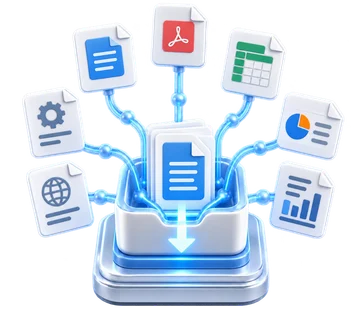
DATA SOURCE
PDF · Word · Excel · PPT · Wiki · Manual · Report
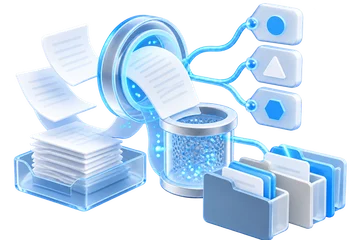
DOCUMENT
Parsing · Cleaning · Metadata · Classification
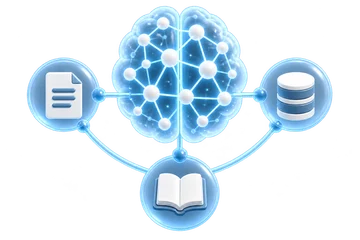
KNOWLEDGE
Chunking · Embedding · Indexing
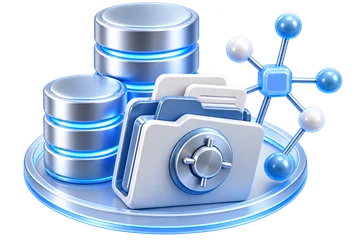
STORAGE
Vector DB · Metadata DB · Document Storage
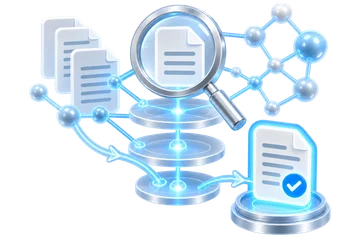
RAG ENGINE
Query · Hybrid Search · Re-ranking · Context
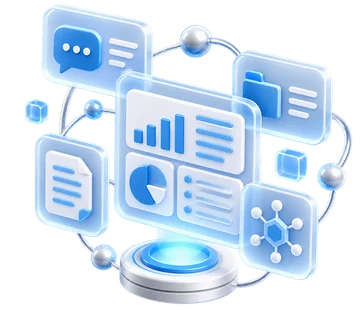
APPLICATION
AI Chat · Wiki · Report · Dashboard · API
RAG retrieval and CHATBOT in one product
CoreMonit RAG WIKI LLM combines RAG retrieval that finds evidence in company documents with CHATBOT functionality for natural-language questions and answers about the retrieved knowledge.
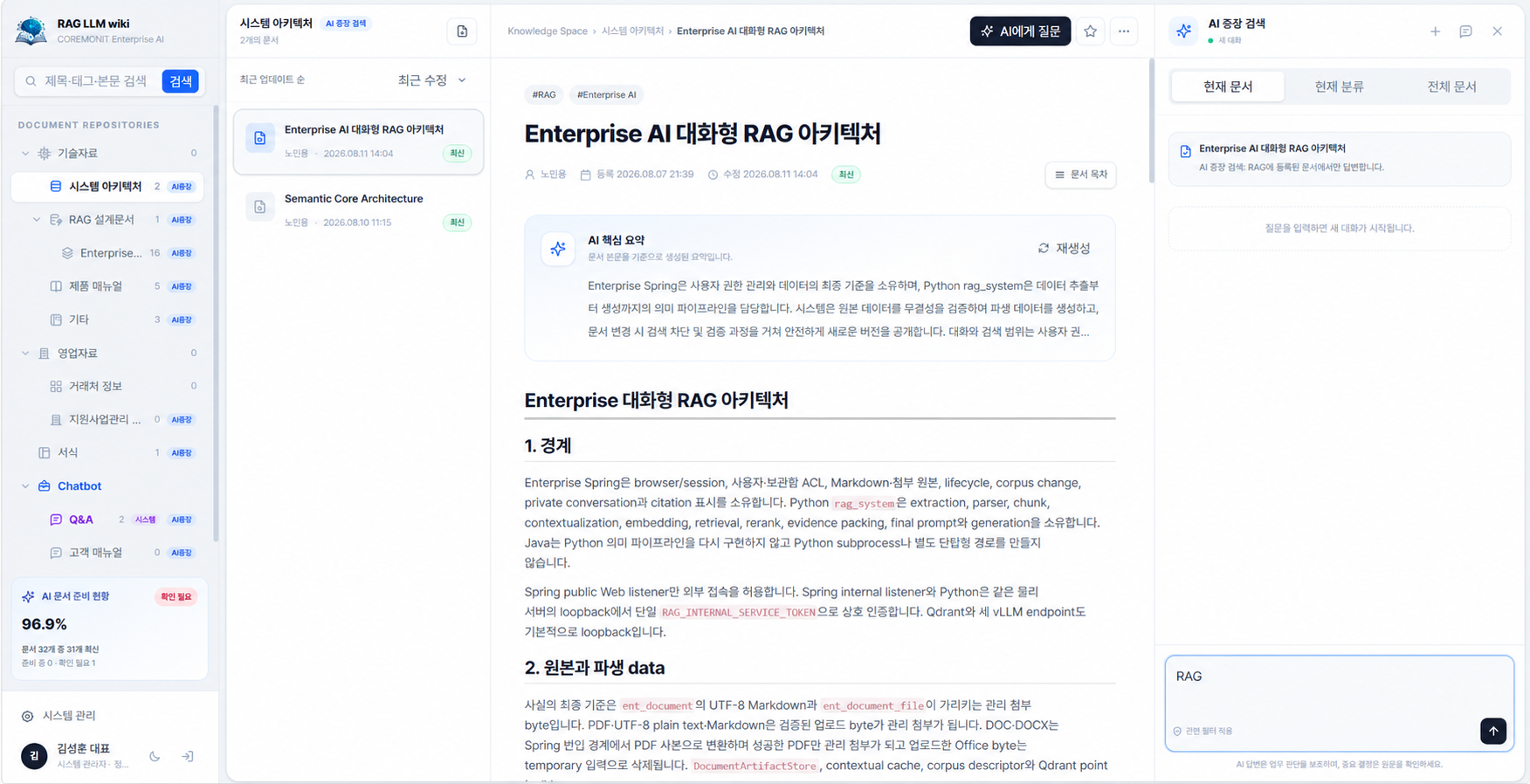
Explore documents, categories and original locations on one screen, and quickly check approved materials relevant to your question.
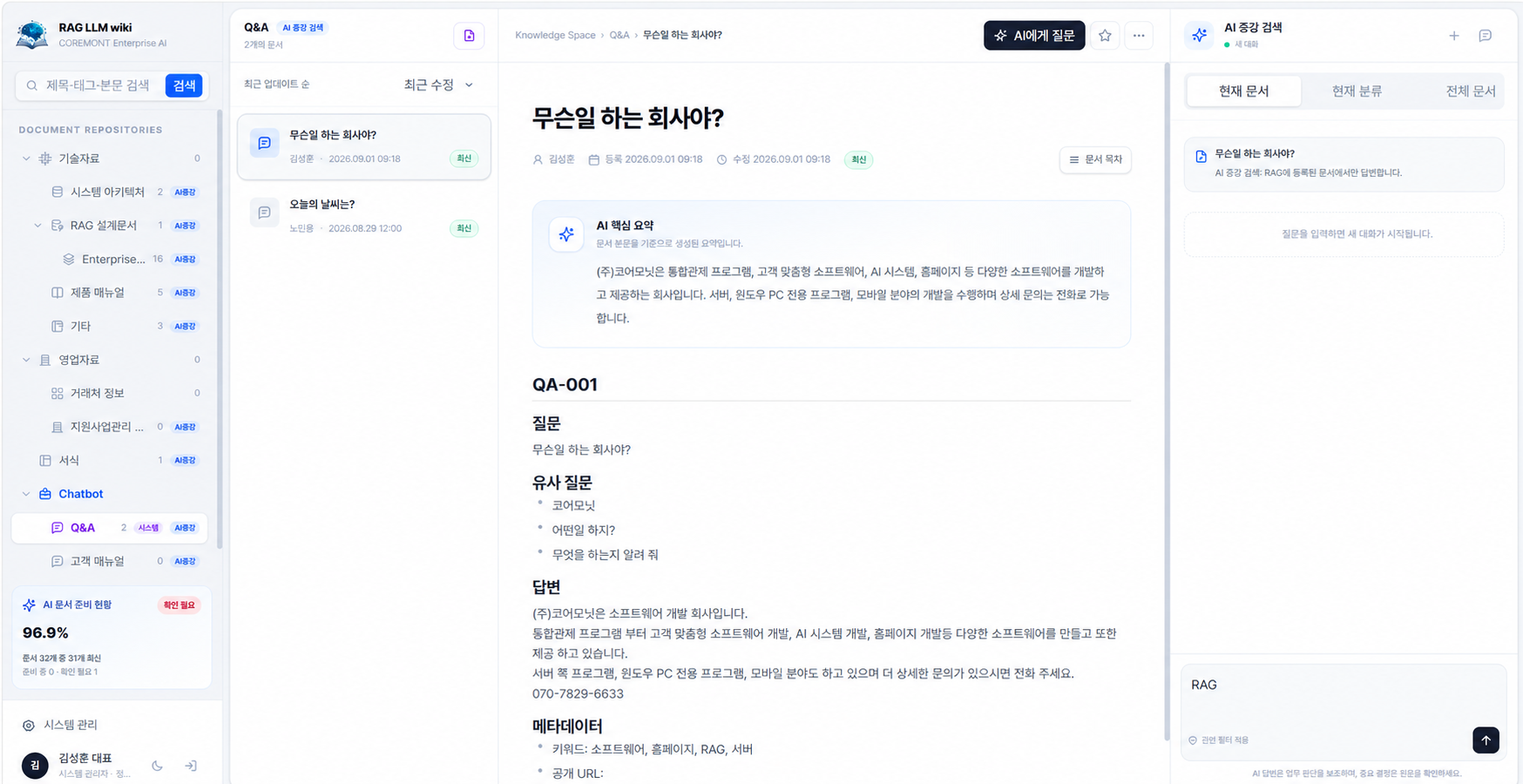
Answer questions using retrieved internal knowledge, while linking similar questions and supporting documents.
Core operating technologies
Design quality across the entire RAG process, from accurately interpreting document characteristics to semantic search, reranking and reasoning.
Document input
Securely collect departmental Word files, PDFs, wikis, manuals, and quality and project materials.
Parsing
Organize body text, titles, tables, authors, dates, document numbers and metadata.
Chunking
Split documents into semantic units without losing surrounding context to improve retrieval accuracy.
Embedding
Convert information into vectors to find documents with similar meanings even when their wording differs.
Vector Search
Go beyond keywords to find supporting documents semantically close to the question.
30B-class LLM
Compare and analyze multiple materials, then summarize, classify and reason according to the question's intent.
Re-ranking
Rerank candidate results by their relevance to the question to reduce unnecessary results.
Standard Parsing
Structure answers in work-ready formats such as tables, checklists, summaries and reports.
A RAG Pipeline that improves retrieval accuracy
Connecting a Vector DB alone is not enough. We repeatedly validate and optimize the entire retrieval flow for your enterprise data.
Go beyond finding information to results ready for use
Structure search results as tables, summaries, checklists and reports for immediate use at work.
Table
Compare items, symptoms, urgency and responsible departments.
Key summary
Organize the key issues and conclusions from multiple documents.
Checklist
Provide the inspection sequence and action items step by step.
Report
Create reports covering symptoms, causes, actions and prevention of recurrence.
From document search to knowledge search
Ask a question instead of looking for a file, and receive related documents together with the locations of supporting evidence.
Private AI for secure use of internal company documents
Minimize external data exposure while accounting for enterprise security policies and network environments.
Company and HR policies / Contracts / Operating guidelines
Technical documents / Projects / Design
Work instructions / Equipment and process manuals
Inspection standards / Quality issues / Manuals
Product materials / Proposals / Customer support
Questions you can ask at work.
With one natural-language question, find relevant documents, past cases and the evidence needed for a decision together.
“How do I resolve Error 105?”
“What is the replacement interval for this part?”
“What are the functional differences between Product A and Product B?”
“What troubleshooting cases occurred in the previous PLC project?”
“Find records of similar recurring failures.”
“Explain the project documentation structure.”
“How do I request a business trip?”
“What regulations relate to quality?”
Expected benefits that change how your company works
Turn information confined to documents into knowledge assets and reduce time spent searching and synthesizing.
Every enterprise has different data, so its RAG should be different too.
Analyze document characteristics, search objectives and security policies to design a tailored Knowledge Architecture and retrieval Pipeline.
AI finds and organizes information.
People make the decisions.